
How to run Gemma 4 locally: a setup that survives
Start with text, add GPU offload and vision carefully, then pin the command and runtime that keep Gemma 4…
The short version
- Run Gemma 4 locally by proving CPU text first, then adding GPU offload and vision separately.
- Gemma 4 vision may require 2,048-token batches because its complete image token block must fit together.
- Reliable home-lab service depends on pinned binaries, saved commands, real inference checks, and enforced agent permissions.
Gemma 4 answered my first prompt beautifully, then face-planted when I uploaded an image. Classic local AI: five minutes of magic, then three hours staring at a CUDA log like it betrayed the family. If you’re searching for how to run Gemma 4 locally, start painfully simple. Use Android Studio’s built-in integration or a current llama.cpp build. Prove text generation works, then add GPU offload and vision one at a time. Save the exact working command, or future you becomes an archaeologist digging through shell history at midnight.
I treat local inference as separate installations: plain text on the safest path, acceleration, then vision with the matching projector. Only after repeated prompts survive do I turn the machine into a home-lab service. This lacks YouTube-thumbnail energy, but so does a reliable database backup.
The easiest Gemma 4 setup lives inside Android Studio
Android Studio Quail 4 is the cleanest start for Android developers because Google handles the annoying model plumbing. I open the Agent model selector, choose Gemma, and select a model. The IDE downloads and verifies the weights, manages updates, then runs Gemma 4 through its bundled lightweight inference engine. The local agent gets Gemma’s tool-calling for jobs like multi-file refactoring while source code stays on the machine. Google lists 12 GB of RAM as the floor for the smallest models and says 32 GB or more works best: reasonable once the IDE, emulator, browser, and seventeen “temporary” tabs arrive.
It also models what local setup should feel like. Android Studio packages relevant context and sends it to the bundled engine. Gemma generates edits locally and can call IDE tools across multiple files, which the IDE applies through its existing project machinery. I still review the diff because “AI wrote it” has never passed as root-cause analysis. Google owns everything from download through inference, leaving me fewer moving parts to debug.
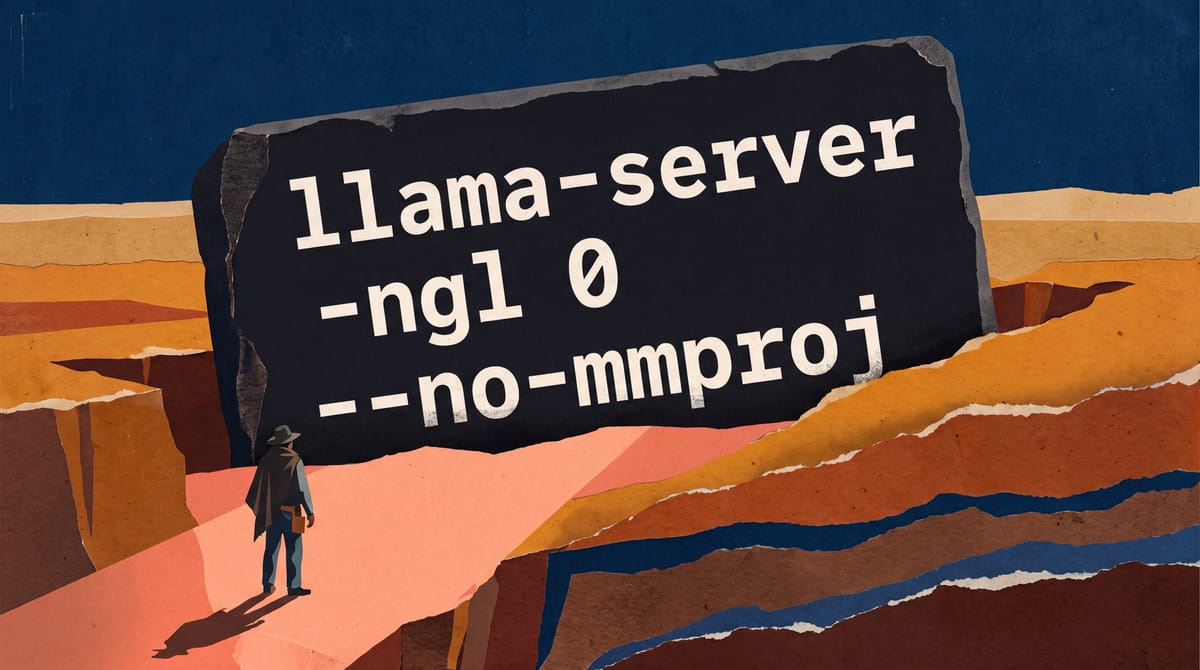
Outside Android Studio, I start with llama.cpp and a Q4 instruction checkpoint. My first command uses the CPU and disables the multimodal projector:
llama-server \
  --hf-repo unsloth/gemma-4-E2B-it-qat-GGUF:UD-Q4_K_XL \
  -ngl 0 \
  --no-mmproj
This isolates plain text. llama.cpp opens the GGUF, reads its architecture metadata, then allocates quantized weights and runtime buffers. The tokenizer converts my prompt into token IDs; the checkpoint’s chat template wraps them in Gemma’s expected conversation format. The model evaluates the sequence and generates tokens one at a time. CPU execution removes GPU kernels and drivers from the investigation, while --no-mmproj leaves the media encoder unloaded. I send two normal prompts because startup proves only that the model loaded. If both work, I have a trustworthy text baseline before acceleration.
No complete Gemma 4 compatibility matrix yet covers consumer GPUs, operating systems, mobile hardware, and local runtimes. Anyone claiming one confident answer for every machine has built an extraordinary lab or discovered copy and paste.
An RTX 5090 is fast; compatibility still runs the show
A four-figure GPU cannot replace a clean baseline. llama.cpp needs a backend supporting Gemma’s operations, the driver must execute those kernels correctly, and memory must fit the weights plus the growing KV cache. I increase offloaded layers gradually and monitor memory during real prompts. Load-time failures suggest weights or initial buffers; crashes deep into long conversations make the cache path more suspicious. Partial offload can move tensors between system memory and GPU, letting weak links eat the gain.
Raw speed is no problem for an RTX 5090. One llama.cpp benchmark ran Gemma 26B-A4B MoE at 199 tokens per second on its 32 GB of memory and selected it for unattended agent loops. Useful evidence: under those exact model, quantization, and runtime conditions.
For interactive coding, however, the benchmark preferred Qwen3.8 27B. Speculative generation reached 85 tokens per second, versus 74 without it. That’s the honest answer to “what is the best local LLM?” Gemma won one workload; Qwen won another. I measure my task because leaderboards cannot decide whether I value fast conversation or a loop working alone for twenty minutes.
My Apple Silicon results made the same point. On an M3 Max with 128 GB, gpt-oss:20b generated about 74 tokens per second and processed prompts at roughly 756, fully resident in unified memory. Time to first token was about four seconds in my August test.
On the same Mac, gpt-oss:120b generated about 51 tokens per second, versus 74 for the smaller model. Prompt processing fell to roughly 215 tokens per second, and first token took about six seconds. Bigger remained usable, but every long prompt carried extra weight.
Meanwhile, that setup’s RTX 5060 Ti provides exactly zero language-model acceleration while ComfyUI runs. Image generation occupies its 16 GB, leaving Ollama about 150 MB of VRAM, so the 20B model runs entirely on CPU. Hardware diagrams look cleaner before software starts behaving like software.
Pinned binaries matter as much as the card. One reported Ollama change made generation on an RTX 3090 about 80% slower, falling from roughly 129 tokens per second to 26 with the same model and fixed settings. Testers swapped the physical cards, but performance followed the binary. I save a known-good build before upgrading because “latest” is a timestamp, not a quality guarantee.
Gemma 4 vision needs the whole image token block
Gemma 4 vision can fail when the micro-batch is too small. After text works, I load the checkpoint’s matching mmproj vision projector and test one normal image. Text generation uses causal attention: each position looks backward through available context. Gemma’s vision encoder uses non-causal attention across all image tokens so regions can interact during encoding. llama.cpp must fit that entire token set into one physical micro-batch. If the image produces more tokens than it holds, the operation cannot split like ordinary text processing. The server hits an assertion while text prompts keep working perfectly.
A reported llama.cpp setup on an AMD RX 9070 used the default physical micro-batch of 512, below the image-token count. Uploading an image immediately triggered GGML_ASSERT. Raising the batch and micro-batch to 2,048 gave the vision encoder enough room:
llama-server \
  --hf-repo unsloth/gemma-4-12B-it-qat-GGUF:UD-Q4_K_XL \
  -ub 2048 \
  -b 2048
With those settings, the machine generated about 80 tokens per second instead of crashing on image submission. That speed belongs to the reported hardware. The batch settings are a tested starting point but may require more memory elsewhere.
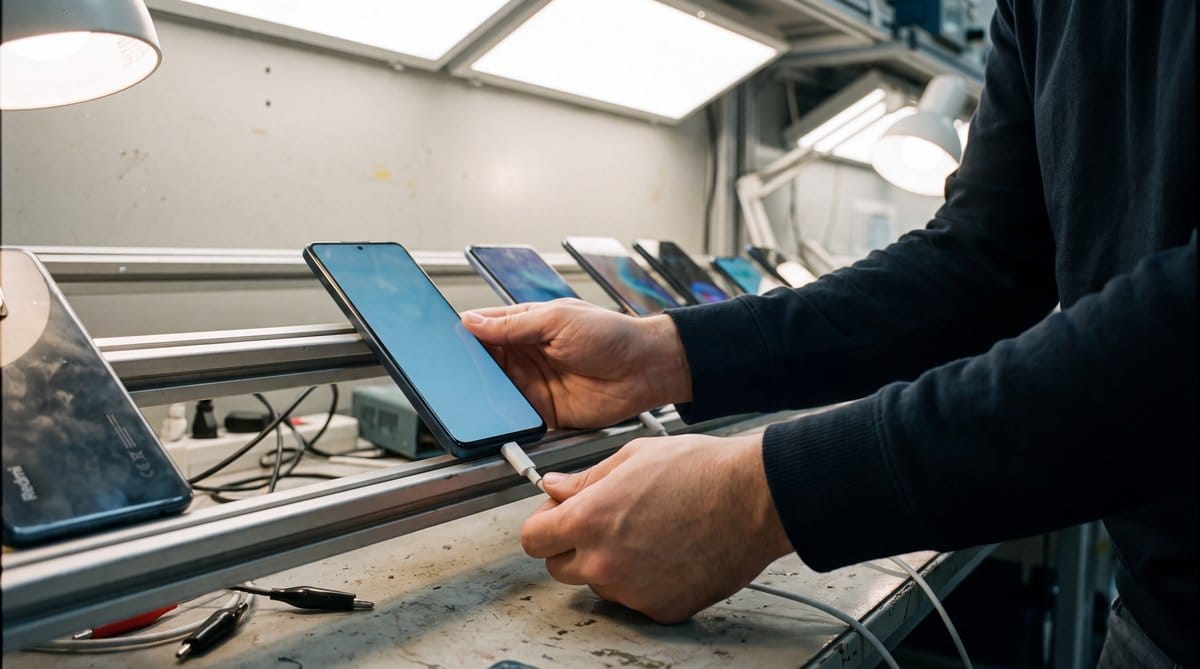
Mobile support is murkier. One Google AI Edge Gallery report loaded Gemma on a Redmi Note 13 4G with a Snapdragon 685 and Adreno 610, then failed at inference with LiteRT Status Code 13. Nobody has established whether this indicates a broader Adreno limitation or a runtime defect. I’d retry the CPU path and save the logs instead of repeatedly downloading identical weights like a man shaking a vending machine.
Prompt caching has another unresolved edge. An open llama.cpp report found cache reuse changed Gemma 4’s top-two log-probability margin on identical warmed-server input, though the winning token stayed unchanged. The cause and newer-build behavior remain unknown. For evaluations using confidence thresholds, I disable prompt caching until I can reproduce numerical stability myself.
A home-lab server needs receipts and boundaries
My preferred server for home lab use is whichever existing machine fits the chosen quantization and survives repeated requests with memory left. llama.cpp offers visible flags and clean debugging. Ollama packages things more easily for a personal machine. vLLM earns its complexity when concurrent requests queue and aggregate throughput matters. Available evidence contains no controlled Gemma-specific comparison crowning a universal winner, so I won’t turn runtime preference into Serie A fandom.
A reliable service starts with a saved command and pinned binary. The process loads the model, accepts requests, allocates or reuses cache state, and streams tokens to clients. Basic HTTP liveness can pass while inference is broken, so my readiness check sends a tiny generation request through the real compute path. A supervisor restarts the service after repeated failures. I cap context so one ambitious client cannot consume the cache budget and ruin everyone’s afternoon. After every update, I record latency for one fixed smoke test: a before-and-after receipt, not vibes.
Martin Merz described the requirements for European digital resilience:
La résilience numérique de l’Europe repose sur une souveraineté à la fois sécurisée et scalable.
A self-hosted AI agent needs a stricter definition than “the terminal opened on my box.” Cursor’s self-hosted workers keep the checkout, build cache, and machine-local credentials on the worker. Cursor’s documentation also says file contents, terminal output, diffs, screenshots, local MCP results, and routing metadata travel to Cursor during a run; artifacts may also reach Cursor-managed storage. Useful model, yes. Fully contained on the worker, no.
Karine Brunet described the limits of complete technological independence:
Today’s organisations operate in highly interconnected technology ecosystems where complete independence is rarely achievable.
I run local agents under a separate Unix or container user, restrict the working directory, and permit only required tools. Research by Zichuan Li, Jian Cui, Ashley Chen, Xiaojing Liao, and Luyi Xing examined a dozen agent harnesses and found privilege-escalation paths through message roles and context crossing security scopes. Running inside my network preserves those mechanisms. Tool permissions need external enforcement because recognizing a forged instruction does not guarantee the model will reject its tool call.
By next summer, I expect Android Studio’s download-verify-update flow to become the standard people demand from every local runtime. Until then, my best home-lab feature is a boring text file containing the exact command that worked.
The fanciest agent in the house still answers to rebuild.sh.
Frequently asked questions
How do you run Gemma 4 locally?
Run Gemma 4 locally by starting with CPU-only text generation in Android Studio or a current llama.cpp build. Confirm repeated text prompts work, then add GPU offload and the matching vision projector separately. Save the working command and pin the runtime binary before exposing the model as a service.
Why does Gemma 4 crash when processing an image?
Gemma 4 vision can crash when the physical micro-batch cannot hold the complete image token block. A reported llama.cpp setup failed at 512 tokens and worked after both batch and micro-batch were raised to 2,048, although memory requirements and speed vary by hardware.
How fast can an RTX 5090 run Gemma 4?
An RTX 5090 ran a Gemma 26B-A4B MoE benchmark at 199 tokens per second using its 32 GB of memory. That result applies only to the tested model, quantization, and runtime; drivers, backend compatibility, KV cache growth, and competing GPU workloads still determine practical performance.
Sources
- Ollama v0.33.3
- AI Edge Gallery 1.0.19
- Eval bug: MoE models crashes llama with CUDA Error on first or second prompt
- cache_prompt reuse changes computed logprobs on a plain (non-hybrid) transformer, reproducible by toggling cache_prompt alone on an otherwise-identical warmed server
- qwen4exp: direct reads for the lazy PLE table (>2x prefill performance improvement on GB10)
- Gemma-4-E2B-it crashes with Status 13 on GPU despite being marketed for mid-range hardware