
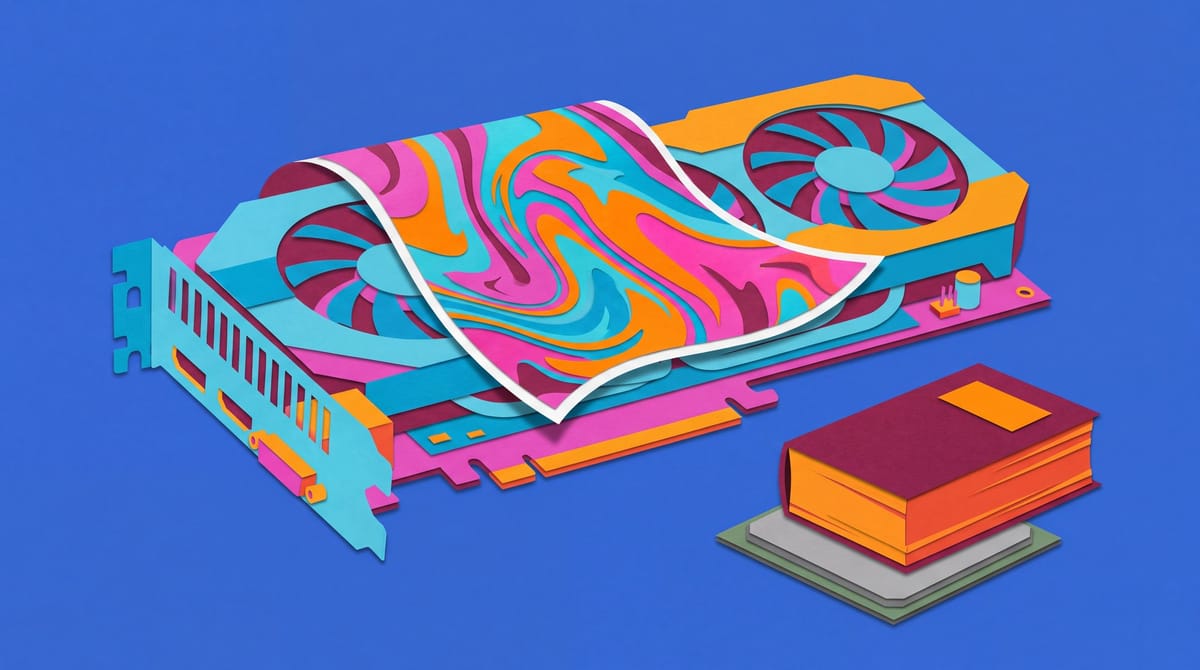
One AI task can crowd another off a powerful graphics card
The MacBook Air M5 is the default, but sustained workloads, Windows software and CUDA can overrule it.
The short version
- The MacBook Air M5 is the default work laptop for mobile professionals without specialist software requirements.
- Sustained compiles, exports, and local AI justify a cooled MacBook Pro, while CUDA and Windows applications require compatible hardware.
- Readers should identify the application, model size, GPU API, or compile that a cheaper laptop cannot handle.
I have spent founder money on “future-proof” laptops that mostly rendered Slack. For most people, the best work laptop is the MacBook Air M5. Then Revit, CUDA or a local model enters the chat and ruins everything.
I would buy the Air for most independent professionals. Developers and creators hammering a machine for hours should get the 14-inch MacBook Pro M6. If your income depends on SolidWorks or Nvidia acceleration, buy Windows and watch Mac users invent increasingly cursed workarounds.
I distrust impressive hardware without a job. I need to pull a repository at an airport, let an open-source AI code agent inspect it during a call, make an image-to-image AI edit for a deck, then reopen the laptop after landing without hunting for an outlet like a caffeinated truffle pig.
Compatibility gets veto power. Everything else must earn space in my bag.
Buy for the bottleneck you already have
A laptop hits four walls. Software compatibility comes first: extra CPU cores cannot make a Windows application run natively on macOS. Memory becomes the constraint when local models and active apps exceed capacity, triggering swaps or crashes. Sustained compute matters when long compiles or video exports heat the chip until it slows. Mobility matters when the laptop travels daily and dies between sockets. The fastest processor may solve none of these. I start with the app paying the invoice, find its hard requirement and buy around it. This has prevented several gorgeous mistakes.
Memory deserves suspicion because laptop upgrades have joined removable phone batteries in the museum of things companies decided we did not need. Dell recommends 32GB for mainstream local retrieval, transcription and multitasking, versus 64GB or more for larger models and long context windows. Its suggested Windows business configuration also clears Microsoft’s 40-TOPS Copilot+ threshold, though Dell warns that the badge cannot guarantee performance for a specific agent workflow.
That warning matters. An AI agent retrieves files, sends context to a model, calls a tool, inspects the response and often repeats. Every pass consumes tokens and may keep an index or development environment running beside my other work. More memory delays the pain; active cooling maintains performance beyond a benchmark’s heroic first minute. Eventually, repeated inference competes with the human using the laptop. If an agent reasons, retrieves and acts all afternoon, use a workstation or cloud instance. My backpack need not become a data centre with a keyboard.
Here is where “local AI” becomes comedy: Mistral Large 4. The released open-weight model has about 1 trillion parameters, with 49 billion active per token, and its calibrated checkpoint occupies 606GB. Mistral says it can run on four GB300 GPUs. An open-source AI code agent can access it remotely, but no clever laptop sticker fits those weights beside Chrome.
Arthur Mensch said:
be a tool for empowerment, not dominance.
Marjorie Janiewicz said:
I don’t want to get disconnected. I want to own my model.
Buying guides also glide past an evidence gap. Nobody has published a matched, independent test of the MacBook Air M5, MacBook Pro M6 and current Windows business laptops across identical office, video, battery and local AI workloads. Long-term reliability, repair costs and fleet-management costs are also missing. Nor do we know whether an NPU meeting the Copilot+ threshold suits any specific organisation’s agentic workload. Anyone declaring a universal winner filled those holes with confidence, still technology’s cheapest component.
The Air stays brilliant until heat arrives
The 13-inch MacBook Air M5 starts at $1,299, about $200 above its predecessor’s launch price, according to Tom’s Guide. Annoying. It still wins for me because its fanless design removes mechanical noise while providing enough performance for ordinary development, office work and lighter creative jobs.
Tom’s Guide measured 15 hours and 28 minutes in its battery test. A compile or local image generator will drain it faster than controlled browsing because more of the chip remains active, but that result gives it a credible chance at a long mobile workday. I value that over a benchmark lead I notice twice a month.
The MacBook Air M5 remains our top all-round choice, with its powerful everyday performance, lightweight design and excellent battery life for the price.
The MacBook Air M5 remains our top all-round choice, with its powerful everyday performance, lightweight design and excellent battery life for the price.
Apple silicon gives the fanless Air quick bursts of performance. Short builds and ordinary exports get that speed immediately. Longer jobs create heat, forcing the laptop to reduce sustained speed within its thermal limits. Unified memory lets the CPU and GPU access the same data, but they compete for fixed capacity. Cloud-connected coding agents usually need a terminal or browser, not a powerful mobile GPU. Local models pressure memory because their weights must sit beside the runtime and macOS. Within those limits, the Air is excellent.
I would keep a recent M-series Air rather than chase yearly chip bumps. TechRadar gives recent MacBook Pro owners the same verdict: the M6 is faster, not an essential upgrade. Treating laptops like seasonal fashion is a superb way to collect expensive rectangles that open Gmail at roughly the same speed.
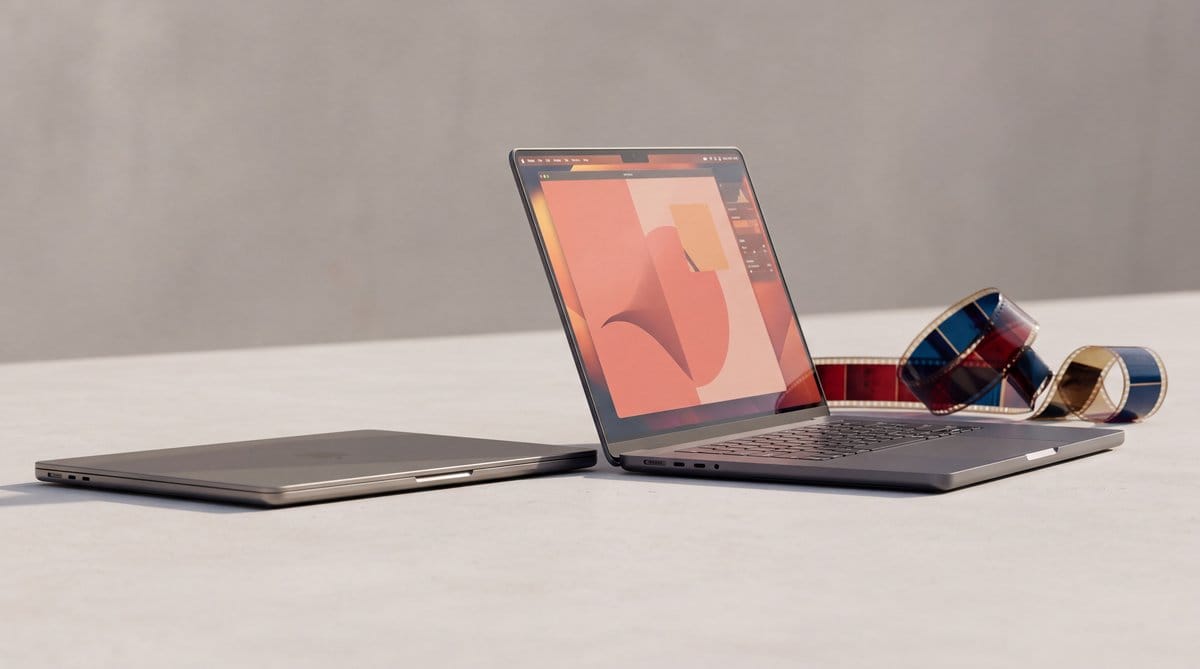
The 14-inch MacBook Pro M6 starts at $1,999, matching its predecessor, with 16GB of unified memory and a 1TB SSD. I recommend it for frequent long compiles, RAW photo batches and video exports. It also suits developers learning to build their own AI agents locally, if the model fits in memory.
The M6 system-on-a-chip combines a CPU, GPU with Neural Accelerators and Dual Neural Engine. The CPU handles compilation, multitasking and conventional creative software. Dynamic Caching manages on-chip memory around graphics demand; the ray-tracing engine handles supported rendering. For local AI, the GPU accelerators and Neural Engine process LLM prompts, image generation, Super Resolution and upscaling on-device. Apple added two CPU cores and two GPU cores over the M5. The fan sustains performance through repeated builds or long exports. Silicon creates peak speed; cooling decides how long I keep it.
Tom’s Guide found the M6 about 18% faster than the M5 in its multi-core test. In HandBrake, it converted the same video in 2 minutes and 50 seconds versus 3 minutes and 31 seconds for the previous model. That matters when a task runs all afternoon, especially if you bill against delivery time.
Its battery result needs context. Tom’s Guide recorded 19 hours and 5 minutes of wireless browsing, beating Apple’s 16-hour rating for that configuration. Heavy development will differ because battery life follows workload, whatever the box promises.
The PROLED model adds a tandem OLED panel whose display engine adjusts every pixel’s colour and luminance in real time. It monitors the displayed content and each pixel’s use. Temperature and the surrounding environment affect correction; factory calibration supplies the reference point. The engine keeps adjusting as conditions change to preserve uniform, accurate output. For paid image grading, that is practical. For Google Docs, it is a very pretty way to read finance comments.
Windows wins when CUDA writes the rules
Put Revit or SolidWorks on the invoice and I would buy the ASUS ProArt P16. Creative Bloq recommends it for CAD and animation because both apps run natively on Windows and its Nvidia graphics support CUDA-dependent software. If either pays your mortgage, the ProArt becomes an obvious business purchase rather than an expensive specialist machine.
The mechanism is simple. Windows engineering software expects operating-system components missing from macOS. Virtualisation can bridge some gaps, though licensing and hardware access complicate the setup. CUDA is another hard boundary: supported apps send parallel work directly to an Nvidia GPU. Apple’s GPU may be fast but lack the required code path. An image-to-image AI workflow built around CUDA benefits from the discrete Nvidia card before benchmarks begin. Once revenue depends on that stack, compatibility decides.
I relearned the GPU lesson in our local AI setup. We ran these tests on August 25, 2026.
Our M3 Max had 128GB of unified memory, keeping both language models fully resident. The gpt-oss:20b model generated about 74 tokens per second, with prompt processing above 750 tokens per second and its first token in under four seconds. That feels conversational while keeping the full model on one laptop.
The much larger gpt-oss:120b still generated about 51 tokens per second. Prompt processing exceeded 200 tokens per second, and the first token arrived in under six seconds. Shared memory made this possible by keeping the model’s full weights available instead of squeezing them into separate mobile-GPU VRAM.
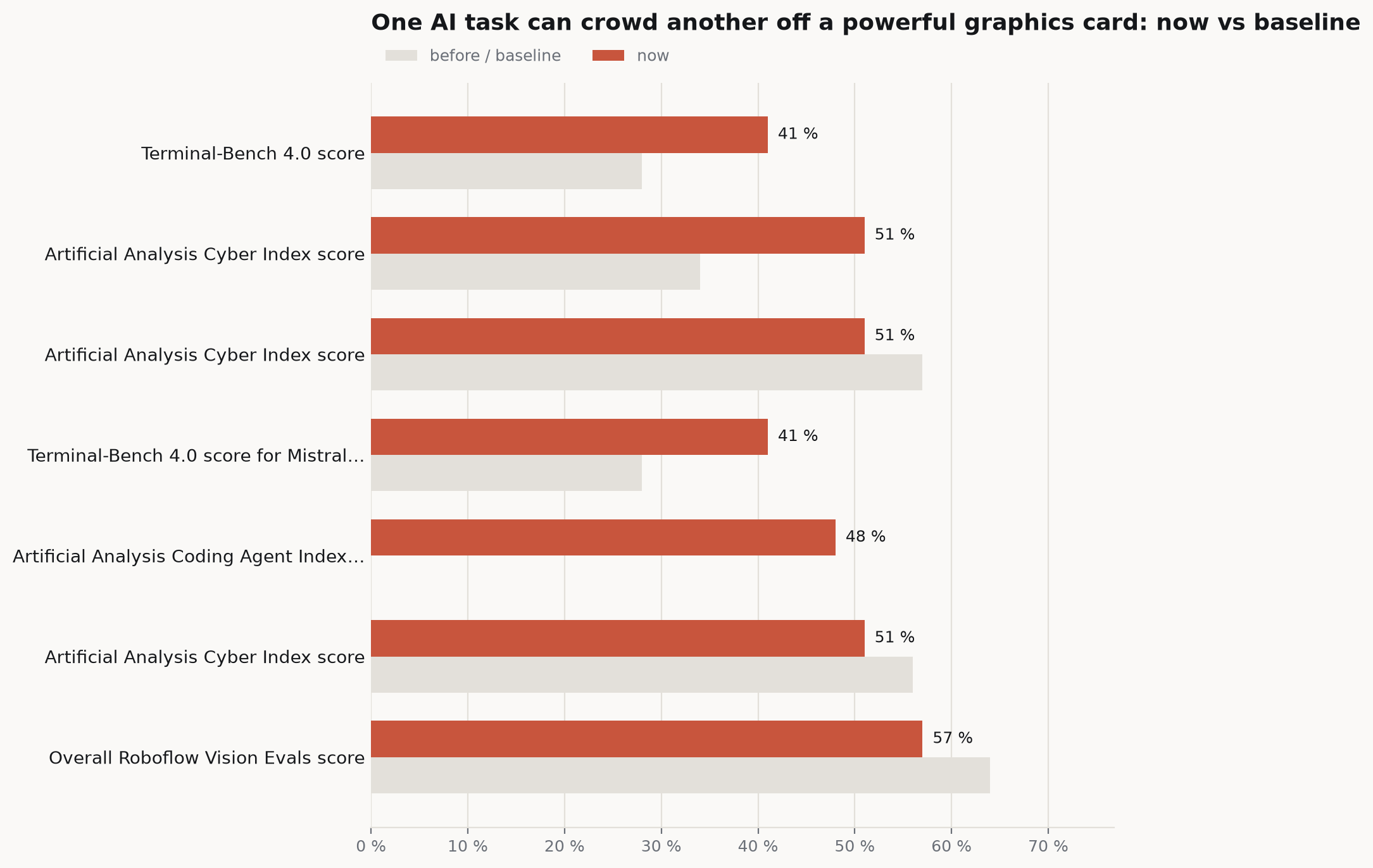
Our RTX 5060 Ti had 16GB of memory and was running ComfyUI in the same setup. Ollama had only 150MB of VRAM left, pushing the smaller language model entirely onto the CPU. A GPU can excel at image generation and become unavailable for language work five seconds later. VRAM scheduling does not care how inspirational the “AI PC” sticker looked at Best Buy.
Local agents bring another trap. Repeated retrieval and tool use increase inference demand as tasks grow more ambitious. Meanwhile, the laptop must preserve battery and stay responsive. It also gets closed when I board a plane, because explaining my autonomous agent swarm to cabin crew sounds exhausting. Persistent multi-agent work needs dependable storage on a machine that stays awake. Dell also warns that local processing may improve privacy or responsiveness without making a workflow compliant or safe.
My rule fits on an espresso receipt: name the application, model size, GPU API or compile the cheaper laptop cannot handle. If I cannot, I buy the Air and spend the difference on cloud compute, a proper monitor or a truly indecent dinner.
By the end of 2027, more professionals will stop buying laptops as miniature production servers. The smartest machine in my bag will know when to hand the job to something plugged into a wall.
Frequently asked questions
What is the best laptop for most work?
The MacBook Air M5 is the best default choice for most independent professionals because it combines fanless operation, strong everyday performance, and credible all-day battery life. It stops being the right choice when required software needs Windows, CUDA, more memory, or sustained cooled performance for long compiles, exports, and local AI workloads.
When is the MacBook Pro M6 worth buying instead of the MacBook Air?
The 14-inch MacBook Pro M6 is worth choosing for frequent long compiles, RAW photo batches, video exports, and local AI models that fit in unified memory. Its active cooling sustains performance beyond short bursts, while its GPU accelerators and Neural Engine support on-device language, image generation, upscaling, and related workloads.
When should you choose a Windows laptop over a MacBook for work?
A Windows laptop with Nvidia graphics is the better work choice when income depends on native applications such as Revit or SolidWorks, or on CUDA-dependent software. The ASUS ProArt P16 fits those requirements because compatibility provides the necessary operating-system components and Nvidia code path that Apple hardware cannot substitute for.
Sources
- Apple introduces the new 14-inch MacBook Pro with M6
- Apple unveils groundbreaking MacBook Pro with PROLED XDR Display and Touch for the first time on Mac
- Best laptops 2026: Expert tested-and-selected premium, budget, gaming, 2-in-1 models
- I test laptops all-year (these are the best you can buy in 2026
- The best laptops 2026 tested, reviewed and rated
- Apple's 14-inch M6 MacBook Pro is a speed boost, not a reinvention), and I'm fine with that