
Raspberry Pi as home server: small jobs, clear limits
A tiny board handles DNS and automation beautifully, but storage, virtual machines and local AI demand a…
The short version
- A Raspberry Pi suits lightweight, always-on services but not sustained storage, virtualization, transcoding, or serious local AI.
- The tested Pi 5 idled around 2.8 watts and scored 2,188 multi-core, while external storage still shares limited bandwidth.
- Separate replaceable Pi services, protected NAS data, and demanding compute so failures become quick rebuilds instead of household disasters.
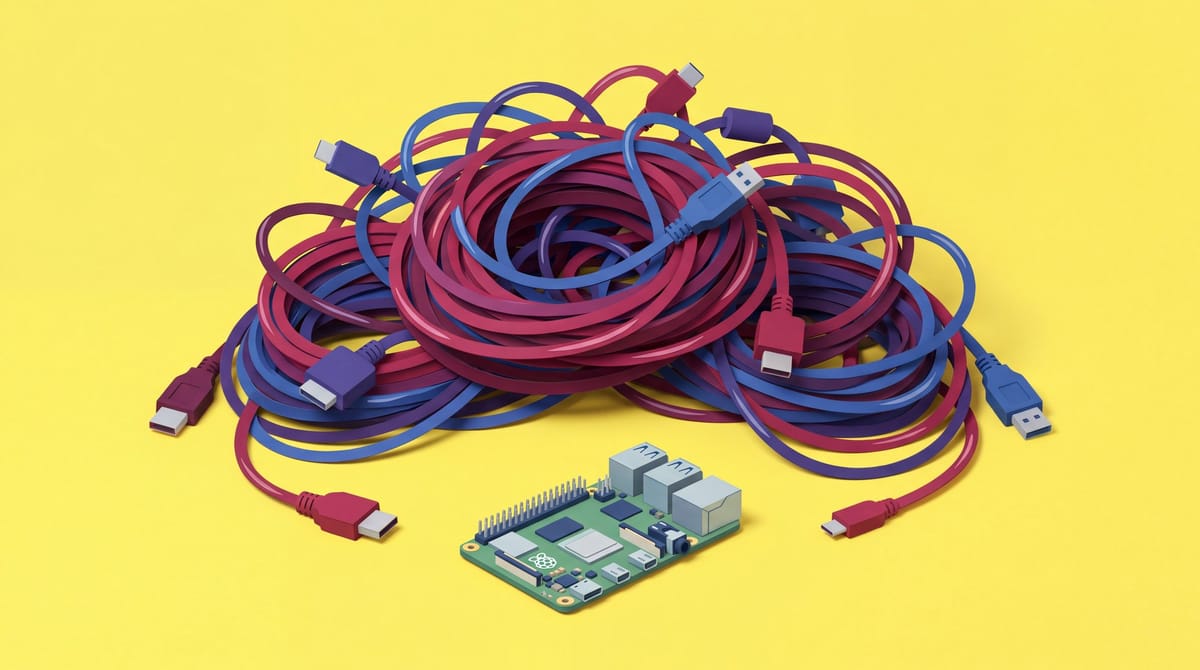
My Raspberry Pi became a bad home server when I asked it to impersonate three computers. A Pi excels at small, always-on jobs. Add storage, transcoding, virtual machines and serious local AI, and the innocent board loses a fight with a cable drawer.
It happens slowly. I install DNS filtering, Home Assistant, a VPN, monitoring, two databases and a chatbot nobody requested. Soon cables sprout everywhere like spaghetti alle vongole.
I use a Raspberry Pi for replaceable services and control-plane work. Valuable data belongs on protected storage. Sustained compute moves to a mini PC or workstation before Docker Compose becomes a hostage negotiation.
Small services leave room to breathe
A Pi’s sweet spot is quick, infrequent work. DNS, monitoring, home automation and modest containers fit because they mostly wait. Trouble starts when they stop waiting.
Pi-hole handles tiny requests, then rests. Home Assistant wakes for events; monitoring runs brief scheduled checks. Those gaps keep a modest ARM board responsive while sharing services. A database import or software video transcode removes them, occupying every core, raising heat and consuming everyone else’s headroom. Storage-heavy jobs add constant writes through external adapters. Virtual machines reserve memory for entire operating systems, and soldered RAM cannot expand when my “small experiment” develops a mortgage. Linux compatibility means an application launches; workload determines whether using it remains pleasant.
The power advantage is real. A measured Raspberry Pi 5 with 8GB drew about 2.8 watts at idle; an ASUS NUC averaged 5.4 watts in a separate test series. Different methods make this no laboratory shootout, but they explain why a Pi suits an appliance that mostly waits.
EDPB Deputy Chair Jelena Virant Burnik said:
The new EDPB guidelines are a major step in further aligning how Data Protection Authorities decide whether an administrative fine should be imposed, either on its own or alongside other corrective measures. The GDPR significantly increased the corrective powers of DPAs, with fines serving as an important instrument for effective enforcement. The guidelines reaffirm our commitment to providing greater clarity and ensuring the consistent application of the GDPR across Europe.
Performance has also jumped. Our in-house Geekbench test scored the Pi 5 at 2,188 multi-core, versus 614 for a Pi 4 under the same Debian setup. That makes overloading the newer board dangerously tempting.
Count the complete shopping list. A proper power supply, active cooling, case and reliable application storage can narrow the gap to a used Lenovo Tiny until the Pi is no obvious bargain. The naked board price has Ryanair energy: technically accurate until I bring anything.
The strongest counterargument comes from people who ditched the Pi. Samulczyk moved to an x86 small-form-factor machine for Proxmox, virtual machines and containers; Raidsize recommends a mini PC for transcoding or faster networking. I agree once those jobs enter the plan. I still keep the Pi because a dedicated appliance is easier to understand and cheaper to run than a general-purpose host juggling six unrelated duties.
Nobody has published a reproducible traffic threshold where a Raspberry Pi home server fails. Available research offers neither a common-workload comparison of total energy use against x86 nor useful long-term data on storage failures or recovery outcomes. Universal container limits are guesswork seasoned with confidence.
Let the Pi boot and the NAS remember
When someone asks whether they need a NAS or home server, I ask where the irreplaceable bytes will live. My Pi runs lightweight services. My NAS holds files I would hate explaining to my family that I lost.
RealmLabs documented this split beautifully in a PXE deployment setup. A client selects network boot in firmware and asks DHCP for network details and the boot service’s location. The Raspberry Pi serves the small, replaceable initial PXE or TFTP files. A lightweight Windows environment such as WinPE starts, connects to the network and mounts a Synology NAS deployment share over SMB. Windows Setup then accesses installation files, drivers, recovery tools and scripts. Those bulky payloads stay on the NAS instead of the Pi’s SD card. If the Pi dies, I rebuild one small boot service; the deployment library remains on persistent storage.
That is my home architecture. The Pi owns disposable logic. The NAS owns bulky state and has an independent backup plan, safely away from whatever container I installed after two glasses of Barbera.
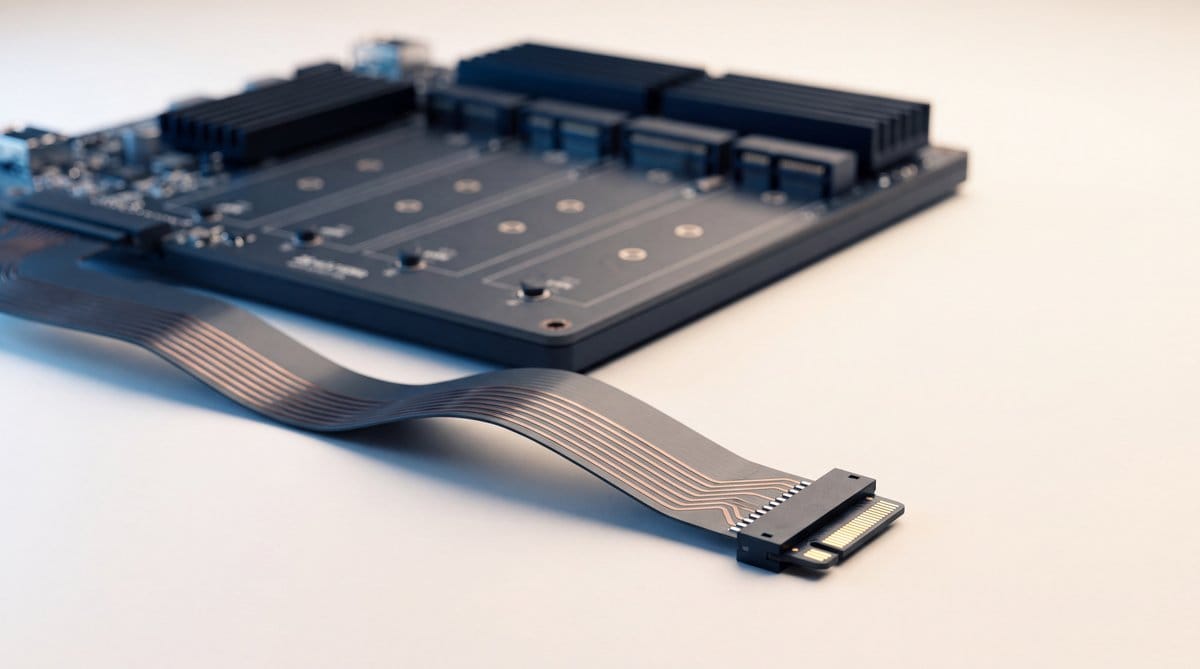
NVMe greatly improves a Raspberry Pi 5’s operating system and application state, but the adapter matters. Across three sustained random-read runs using the same WD SSD in an actively cooled Pi, the Pineberry HatDrive Bottom delivered about 12% higher IOPS than the Pimoroni NVMe Base and kept the drive cooler. The test author attributed its stronger sustained result to thermal coupling and copper layout. Even tiny servers have motherboard opinions.
More drive slots do not mean more bandwidth. Multi-drive Pi boards route SSDs through a switch sharing the board’s external PCIe lane. Extra slots add capacity and cleaner packaging, but every drive queues for one exit. Fine for a small home lab. My miniature enterprise array can wait.
A Pi can expose an attached disk through SMB. What we lack is evidence of long-term reliability under shared workloads: the supplied sources do not measure common storage failure rates or recovery outcomes. “The share mounted successfully” does not mean “my photo archive is safe.”
Local LLMs belong on stronger hardware
The available evidence supports no defensible best local LLM for a Raspberry Pi. I would experiment on a Pi I already own, but never buy one for coding inference or a multi-user AI service.
The first constraint is physical: the model must fit. Quantized weights share memory with the operating system and context cache. Every token requires reading those weights through limited memory bandwidth, so fitting in RAM merely clears hurdle one. Longer prompts expand the cache and require more work before an answer appears. Coding assistants are especially rude: repository context, compiler output and tool responses repeatedly rejoin the prompt, making the machine process a growing history while generating each token. Concurrent users increase pressure; agent loops repeat everything. A tiny model may write at tolerable speed yet lack the quality to edit a real codebase without setting something important on fire.
My measurements show the Pi’s distance from serious local inference hardware. I tested an M3 Max with 128GB of unified memory, enough to keep both models fully resident.
On that Mac, gpt-oss:20b generated about 74 tokens per second, processed prompts at roughly 756 tokens per second and took 3.7 seconds to produce the first token. That is the responsiveness I want from the best LLM to run locally every day.
The larger gpt-oss:120b generated about 51 tokens per second versus 74 for the smaller model. Prompt processing dropped to 215 tokens per second, while first-token latency rose to 5.8 seconds. Model quality determines usefulness, but the hardware kept both interactive.
My GPU setup shows why specification shopping gets silly. An RTX 5060 Ti with 16GB handles image generation on the same machine. With ComfyUI occupying its memory, Ollama had only 150MB of VRAM, forcing the 20B language model entirely onto the CPU. An installed GPU means nothing when another workload already ate dinner.
Do I need an RTX 5090 for a home server? DNS, backups and Home Assistant do not. The supplied material also contains no RTX 5090 measurements supporting a credible speed or value comparison. Its model requirements might justify one in a local AI workstation. Calling that workstation a home server changes nothing.
Nvidia executive Adel el Hallak described the local AI direction with a phrase I like:
Data centers in the house.
I believe that prediction, with one tweak: most houses will have a fleet. A quiet Pi runs infrastructure, a NAS protects data, and the loud expensive box wakes for generated video or coding models. One machine doing everything sounds elegant until movie night meets an embedding job.
Design for a painless rebuild
I judge a Raspberry Pi setup by unplugging it mentally. If that causes panic, undocumented commands or reveals the only database copy, I have failed.
Replaceable services separate configuration and persistent state from their machine. Docker Compose records the image, ports and mounted paths used to start a container. Volumes or bind mounts hold state that must survive replacement. Recreating the image restores the packaged application, not that state. Version control protects intended configuration; tested backups protect state. Migration then requires an image supporting the target CPU and restored files in the expected paths. Containers simplify packaging. Recovery still belongs entirely to my backups.
A documented Pi-hole migration moved the service from ARM64 on a Pi 5 to an AMD64 Debian virtual machine using the same Compose definition. It worked because the official image supported both architectures. I check that before adopting any container I may move; multi-architecture publishing remains the maintainer’s decision.
The migration also needed /etc/pihole, including its database and configuration. After restoration, the replacement host was tested for container health, DNS resolution and web access. That is a recovery drill. An untested backup is an optimistic file collection wearing sensible shoes.
Clausebench said:
A later date is more time to do the same amount of work, not less work.
Before installing another service, I mentally pull the cable and start a timer. My grown-up Raspberry Pi standard is simple: within an hour, I should be drinking espresso beside its replacement.
Frequently asked questions
Is a Raspberry Pi good as a home server?
A Raspberry Pi is a good home server for lightweight, mostly idle services such as DNS filtering, monitoring, home automation, VPN access, and modest containers. It becomes a poor fit when sustained storage, video transcoding, virtual machines, or serious local AI compete for its fixed memory and limited bandwidth.
Should I use a NAS or a Raspberry Pi server at home?
A NAS should hold bulky or irreplaceable files with an independent backup plan, while a Raspberry Pi runs lightweight, replaceable services. This split keeps persistent data away from disposable logic, makes a failed Pi easier to rebuild, and avoids treating a successfully mounted share as proof of data safety.
What is the best local LLM for a Raspberry Pi?
There is no defensible best local LLM for a Raspberry Pi in the evidence presented. Models must share limited memory with the operating system and context cache, while every token reads model weights through constrained bandwidth. A Pi is suitable for experimentation, not coding inference or a multi-user AI service.
Sources
- This website is solar-powered and self-hosted
- Raspberry Pi PXE Server with Synology NAS Storage
- I Built a New Motherboard to Save My Old Server
- I want to use Raspberry Pi to do a DIY NAS
- Techie makes his own motherboard to refurbish 15-year-old HP ProLiant N40L tower server, Raspberry Pi CM5 adds NVMe and USB 3.0
- Smart Home Update – September 2026 – A Home Server Paradigm Shift