
Self hosted image generation AI: my practical setup
A practical local setup for private, repeatable image generation, plus the hardware, licensing and…
The short version
- Self-hosting suits frequent generation, private source images, and reproducible work, while difficult structural failures may justify cloud models.
- Interactive performance depends on GPU memory placement; CPU offload increased one Qwen test from 62.5 seconds to about 4 minutes 20 seconds.
- Choose models by job, exact license, and whole-pipeline memory needs before investing in hardware or shared studio software.
I delete far more AI images than I keep. Counting that graveyard turned self hosted image generation AI from a weekend toy into infrastructure.
Qwen-Image-2.1 arrived in September 2026 with generation, reference editing and transparent output in one downloadable model. Local studios added one-click downloads, galleries, model-aware controls and accounts. We’re finally past downloading mysterious Discord checkpoints and praying to Santa CUDA.
I run locally for constant generation, private source images or results I must reproduce six weeks later. I keep cloud models for precise layouts, long editing chains and unavailable weights. Any setup that turns one tool into a religion eventually hurts.
Count the images you throw away
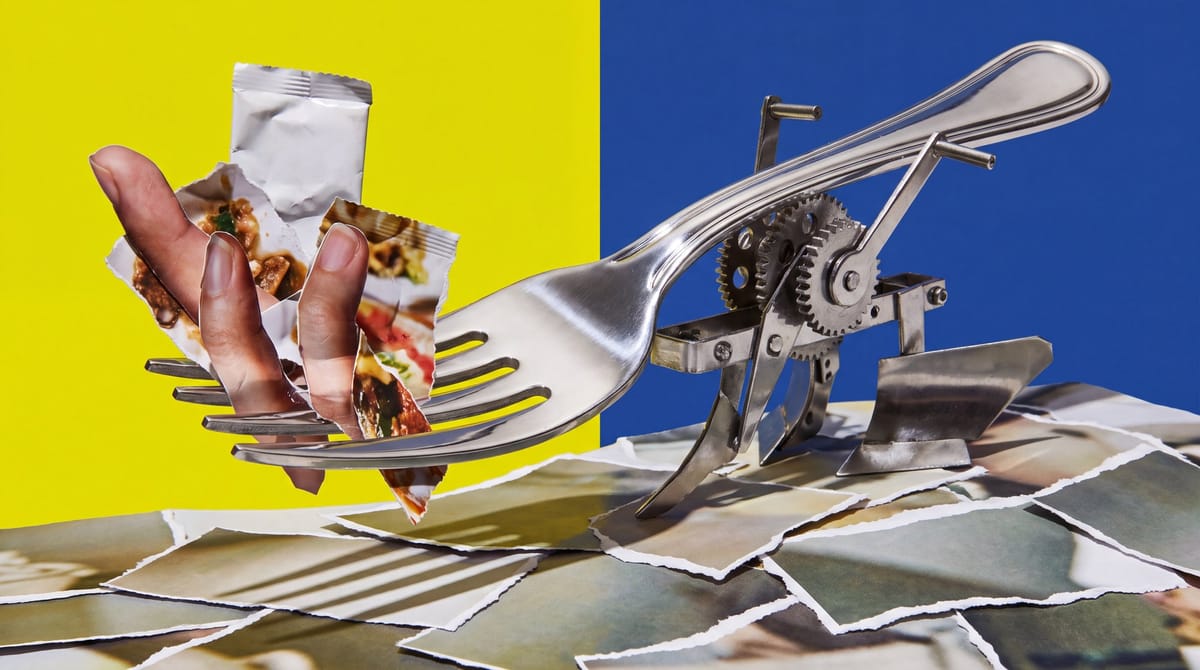
Cloud pricing looks cheap because people count only the approved image. I count every warped hand, broken label and fork with enough tines to qualify as agricultural equipment. Local AI Zone describes a representative workflow requiring around twenty generations for one usable result. That matches my experience once I vary seeds, reference strength and framing.
Those iterations determine the economics. I prompt, generate, inspect the failure, then adjust lighting or change the seed. Fast results preserve my concentration. Long waits send me to email or espresso, and I forget whether the previous shadows were better. Reuse also spreads the hardware cost across discarded experiments. Cost per experiment matters more than cost per image surviving Slack review.
Hardware helps only when generation feels interactive. In one Qwen-Image-2.1 DGX Spark test, a one-megapixel square took 54 seconds at 40 steps versus 28 seconds at 20. These were median warm runs using bf16 Diffusers, so they’re a comparison, not a promise for every machine. Doubling the steps nearly doubled the wait; the quality gain still depended on the prompt.
Occasional use favors an API. A new GPU is absurd for five images and a birthday invitation. Local economics improve if I already own suitable hardware, generate daily or reuse the box. Electricity, storage and maintenance remain stubbornly non-zero. Anyone promising “free unlimited images” thinks woodland animals delivered the computer.
Privacy is my other reason to self-host. Imference says generation can remain offline after downloading the weights, but that boundary covers the entire stack. I disable hosted prompt enhancers, partner nodes and plugins calling external services. Connect a local checkpoint to a cloud editing extension and it becomes hybrid; confidential product photos still leave my machine.
Choose the job before the model
I still use SDXL because its ecosystem is enormous. Years of LoRAs, fine-tunes and ControlNets can beat the latest screenshot-duel winner. It also runs on more modest hardware than newer giant pipelines, especially with simple workflows.
I choose FLUX when prompt adherence matters more. Its downloadable variants have different license terms, so I read the license attached to the exact weights. A file on my SSD means I possess it. The license grants commercial permission. Replacing a launched model means rebuilding prompts and the product’s visual expectations.
Qwen-Image-2.1 interests me for typography, references and native transparency. Its first-run checkpoint download is about 33 GB, versus 11.4 GB for a third-party 4-bit conversion. On an Apple M2 with 16 GB unified memory, the conversion produced a basic image in 19 minutes; the original weights didn’t fit. Technically running is a low bar. So is technically edible pasta.
My selection has three gates. First, define the job: style exploration, readable text or reference-based editing. Second, read the current license and check whether it fits the product. Third, examine memory use across the whole pipeline. The image transformer shares the machine with a text encoder, VAE and generation activations. Quantization shrinks weights but can alter image details at lower precision. CPU offload loads oversized pipelines by moving components through system RAM, adding waits with every transfer. Heroic offloading may make a model run without making it usable in an interactive studio.
FP4’s strongest argument is speed. Mesmer Tools measured roughly twice the BF16 generation speed on an RTX 5090 under matched conditions, cutting generation from about 10 seconds to 5. Serious gain. But faces, hands and layouts changed, so the benchmark author rejected the marketing-friendly verdict:
I wouldn’t call it lossless.
Low-bit testing still has a huge hole. Nobody has published a broad, standardized consumer-GPU comparison covering prompt adherence, identity preservation, typography and edit locality. Curated examples prove a quantized model works, not how often it quietly changes what my customer cares about.
The Qwen Research License adds uncertainty. I haven’t found a published commercial-use determination covering every local deployment and its outputs. Before building revenue on that ambiguity, I’d ask Alibaba and a lawyer: ideally before the sales deck says “production ready.”

Build a studio, not a science project
For one person, I want a maintained inference engine behind a boring interface. Imference and Locally Uncensored follow that model; PotionUI adds accounts, groups, presets and model permissions for shared installations. PotionUI describes it perfectly:
Forms, not wiring: each model exposes only the controls it actually understands.
I use ComfyUI when the graph earns its keep. It excels at unusual pipelines and precise control, but copying noodles from a screenshot reliably kills an evening. My Italian soul sees a chaotic node graph like carbonara with cream: somebody certainly made a choice.
Under the interface, the request path is simple. A local UI or HTTP API receives my prompt and references. In Qwen-Image-2.1, the Qwen3-VL encoder turns them into representations the image model understands. A 32-layer image transformer denoises them through a flow-matching Euler schedule, each step moving the latent state toward an image matching the encoded request. An RGBA VAE decodes that latent into pixels while preserving transparency. The front end stores the prompt and settings, exposes model-specific controls and manages preset access. This separation lets me replace the studio without rebuilding inference.
Memory placement determines whether the system feels good. Keeping components on the GPU avoids host-RAM transfers. In a DGX Spark test using one reference image, Qwen generation took about 4 minutes 20 seconds with CPU offload and 62.5 seconds without it. VAE tiled decoding saves activation memory by decoding smaller regions, though one implementation created a fixed pink vertical line at the tile boundary. Disabling tiling removed the seam but used more decoding memory. A precision schedule can lower precision after the earliest denoising steps; on one Radeon AI PRO R9700, it reduced warm-request latency by 24% against the matched bit-exact profile. Streaming a large text encoder through the GPU may also beat CPU execution because modern image pipelines increasingly use language models as encoders.
GPU ownership also needs planning. My RTX 5060 Ti with 16 GB handles image generation. Once ComfyUI held its memory, Ollama had only 150 MB of VRAM, pushing my 20B language model entirely onto the CPU. One machine can host several AI tools. The GPU cannot treat every process like an only child.
I store every output’s prompt and exact generation parameters. PotionUI does this automatically, and its queue can restrict requests by account. MindrLabs notes that with a concurrency limit of one, the second request waits. Fine for my desk; potentially disastrous for a team. Credible public testing of multi-user throughput, isolation and concurrent security still doesn’t exist.
Raw ComfyUI stays bound to localhost on my machines. Remote access uses a VPN, SSH tunnel or authenticated reverse proxy because the basic server lacks native login protection for its queue and gallery. I prefer safetensors to legacy checkpoints that may contain executable pickle data, and I review custom nodes like browser extensions written by strangers who enjoy shell scripts.
Send structural failures to the cloud
Local generation is my default for exploration because that creates the largest pile of disposable images and often uses the most sensitive references. I record the model, prompt, seed and settings, then set an attempt limit before deciding whether a failure is aesthetic or structural.
That distinction controls routing. Another seed, stronger description or different reference often fixes aesthetic failures. Structural failures include broken text, missing objects and ignored layout positions. One Qwen-Image-2.1 comparison initially suggested weak composition, but longer enhancer-style prompts fixed both cited object-dropping failures at the same seed and resolution. Prompt format carried much of the blame. I try that fix before paying an API because terse benchmark prompts rarely resemble a real design brief.
Repeated editing creates another risk. In Quantslant’s sequential test, unchanged regions showed visible artifacts after the third edit and severe damage by the sixth. I return to the original and consolidate the instruction instead of editing an edit until the bakery window looks radioactive.
Confidential sources don’t become uploadable because I’m frustrated. For everything else, I compare the API fee with my time and choose a hosted model when local attempts keep failing structurally. By 2027, I expect local studios to become routers: private drafts remain on my GPU while explicit rules send selected failures to a hosted backend.
Every cloud render must name the local failure it solves. Otherwise I’m paying someone else to generate my discard pile.
Frequently asked questions
What hardware is needed for self-hosted AI image generation?
A suitable GPU needs enough memory for the image transformer, text encoder, VAE, and generation activations together. A 16 GB RTX 5060 Ti can handle image generation, but newer large pipelines may require quantization, tiled decoding, precision changes, or CPU offload, each with performance or quality trade-offs.
Is local AI image generation better than using a cloud API?
Local generation is better for frequent iteration, confidential references, and reproducible outputs when suitable hardware is already available. Cloud APIs are more practical for occasional use, precise layouts, long editing chains, unavailable weights, or repeated structural failures that local prompting and seed changes do not correct.
Which model is best for self-hosted AI image generation?
SDXL offers a broad ecosystem and works on more modest hardware. FLUX can provide stronger prompt adherence, but licenses vary by downloadable variant. Qwen-Image-2.1 combines generation, reference editing, typography, and transparent output, although its large checkpoint and licensing uncertainty require careful evaluation.
Sources
- PotionUI
- Locally Uncensored
- Local Image Generation 2026: FLUX, Qwen-Image and SDXL on Your Own GPU
- Self-hosted AI image generator: real specs
- FLUX 3 for Home Lab in 2026: What's Actually Open, What's Coming in Weeks, and Whether Your ComfyUI GPU Is Ready
- Best Free & Open-Source AI Image Generators to Self-Host in 2026